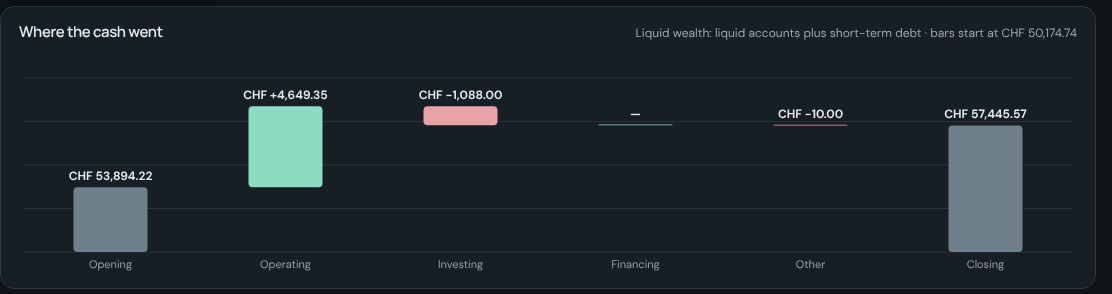
Cash flow
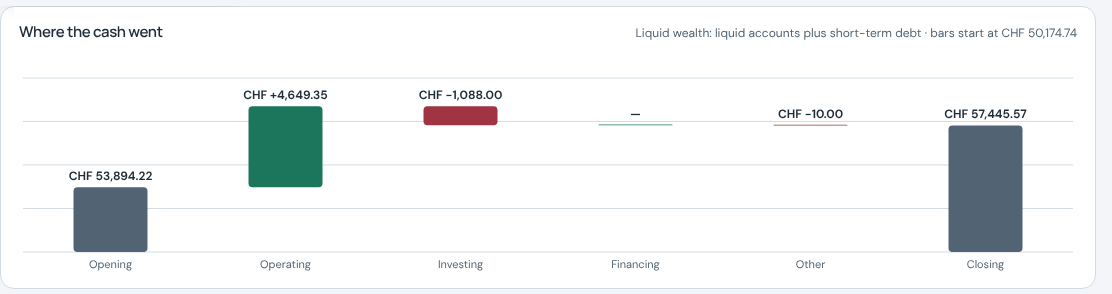
A waterfall from opening to closing liquid wealth, split into operating, investing and financing.
From the Swiss demo, in CHF.
Tracked is a personal finance app for the browser: a ledger of every transaction, accounts in any currency, proper financial statements and a to do list with a calendar.
The demo opens pre-filled, with shops, an employer and a currency from your region, a connected demo calendar and a sample statement to import. No account; nothing leaves your browser.
Examples shown for Switzerland
To do list
Bills to pay, calls to make, projects to finish. Write the time into the task and it lands on the calendar; keep a view per moment of the week.
!tomorrow 2pm 1h!fri 14:00!15 oct# Moving day with its first task, then a task dragged onto the calendar. The trip below is another project.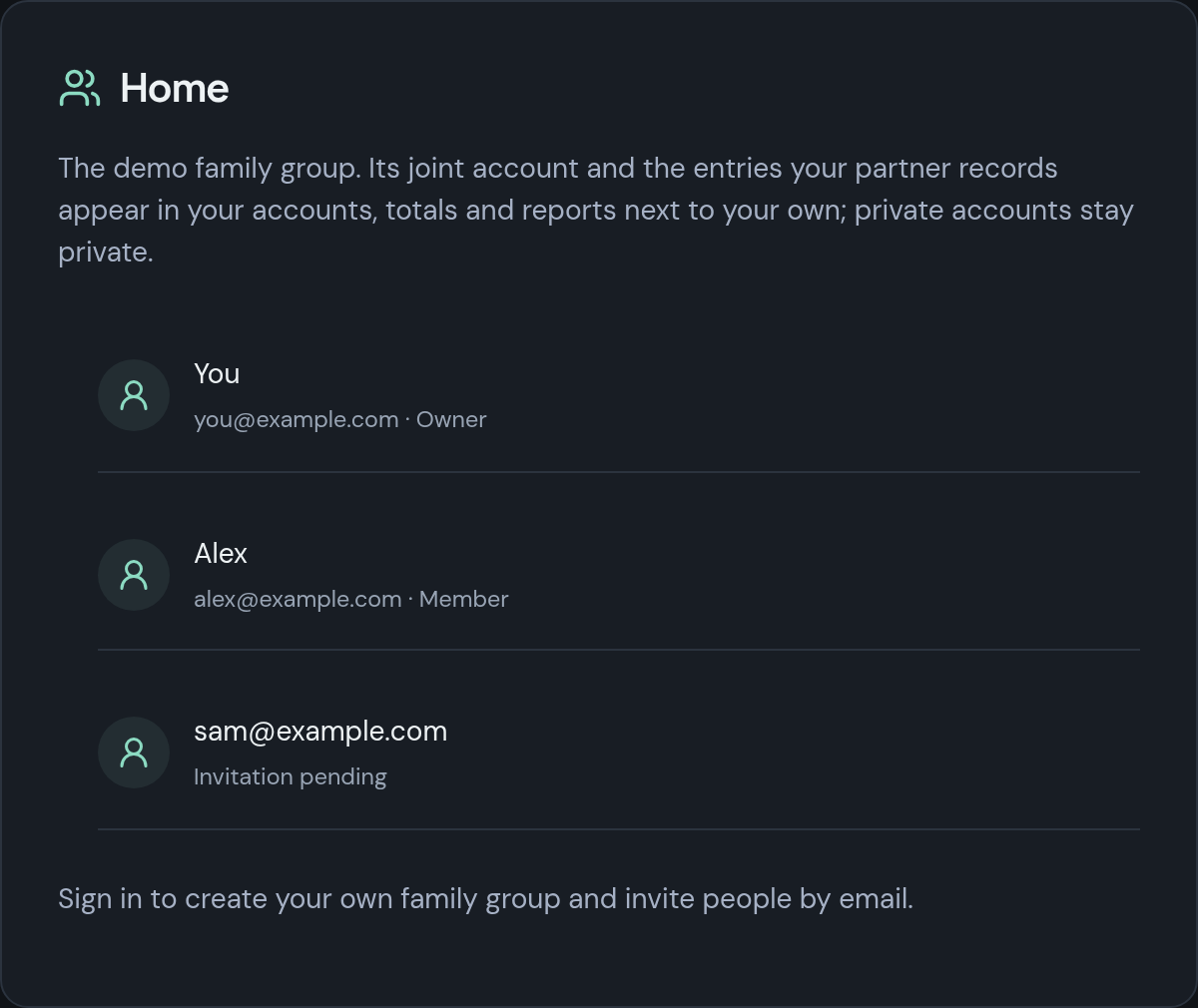
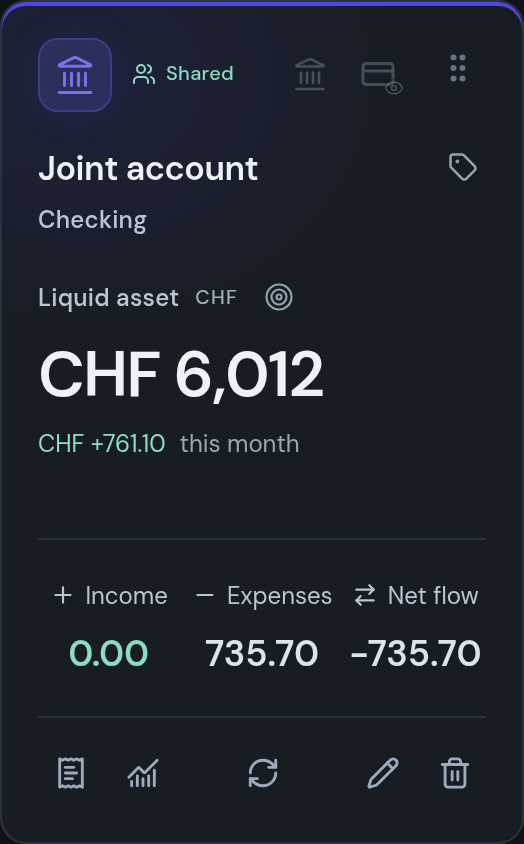
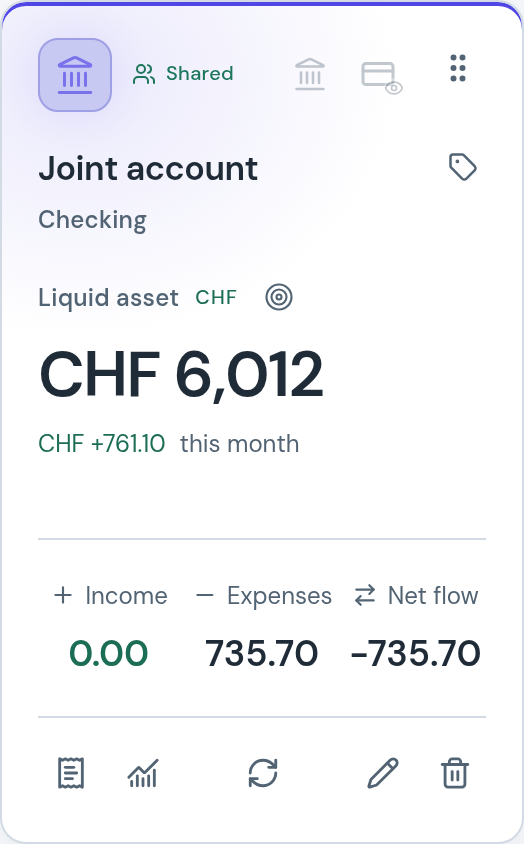
Share with family
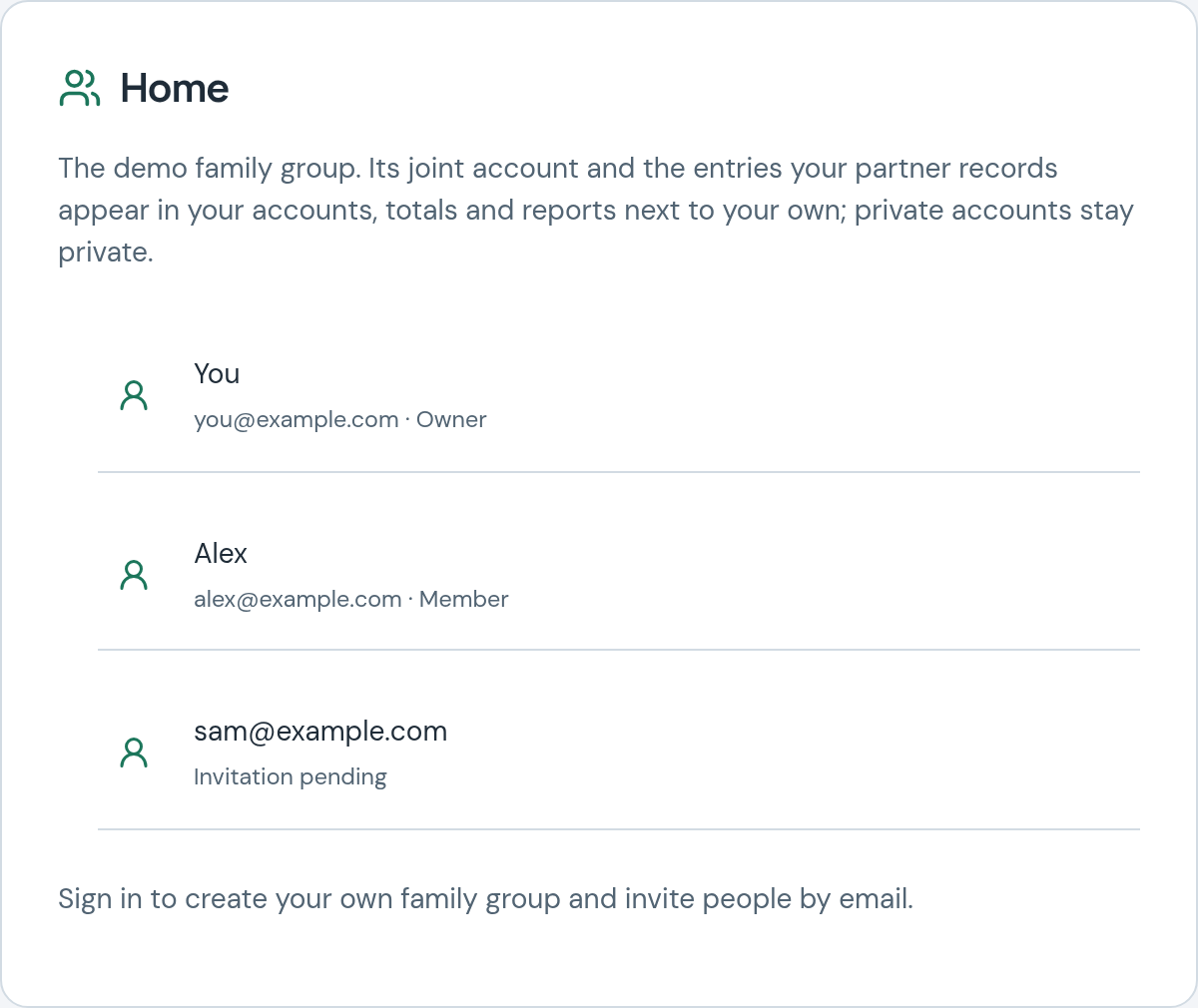
Invite your partner or family by email. Shared accounts, entries and budgets are there for everyone in the group; your private accounts stay yours.
Monthly, per category or overall, with history and future allowances.
Subcategories, icons and colours, with trends and share of spending.
PDF, CSV, Excel or a photo, read on your device; nothing is uploaded.
Up to ten files per entry; take the photos with your phone via a QR code.
Undo and redo up to 1,000 actions, or restore a point in time.
Shift+Q to Shift+V move between pages; Escape steps back from anything.
Two themes, four accent colours, and a privacy eye that hides every amount.
Invite a partner; keep some accounts private and share the rest.
Create a payment QR code from an account's IBAN, on the device.
Amortise a payment over months or years and report on either basis.
Category trends over any horizon, and wealth 30 to 365 days ahead.
Local to your region, with a demo calendar; nothing leaves the browser.
Speed
Every account has a number, every category a letter, and Ctrl+Enter saves. The screen changes the moment you act; the database catches up in the background.
1.25 s is the running time of the clip, typed at 62 ms between keystrokes. The three latencies were measured on 7 November 2026 on the production build in headless Chromium, with the demo workspace of 751 transactions and 8 accounts.
No waiting for the server. The screen updates before the database answers; saves run in the background and retry after a temporary failure.
Small downloads. Each page loads as its own chunk; the entry script is about 142 KB gzipped.
One pass for balances. All account balances are computed together in one pass.
Large ledgers stay quick. One continuous list that stays fast past 10,000 entries.Measured in the September 2026 audit with 10,000 synthetic transactions on a desktop CPU: Transactions ready in 131 ms, four typed search letters in 112 ms (production build, localhost, median of three).
The F1 bar is a driver's reaction to the start lights, about 180 ms, for scale. Measured on 8 November 2026: production build in Chromium, demo workspace (752 transactions, 8 accounts), each page visited once before; time from the sidebar click to the page content on screen plus two animation frames, median of seven. Older laptop: the same machine with the CPU slowed four times.
Transactions
One ledger for expenses, income and transfers, with upcoming payments on top and a search that shows what it understood.
Also: coffee this week rent 2026 >100 october
groceries last monthnetflix or spotifyrestaurants >50Accounts and accounting
Accounts in any currency, and the statements a company would keep, sized for a household: income statement, balance sheet, cash flow, money flow and ratios, each compared with the previous period.
eur or usd >1000A waterfall from opening to closing liquid wealth, split into operating, investing and financing.
From the Swiss demo, in CHF.
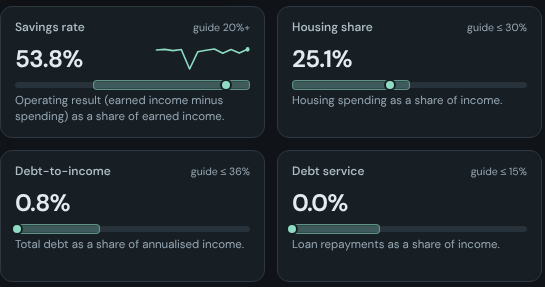
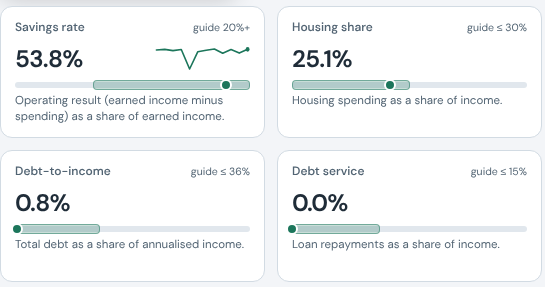
Sixteen ratios, from savings rate to runway, each with a guide band and its working shown.
From the Swiss demo.

The demo opens pre-filled: accounts in three currencies, eighteen months of entries, recurring payments, budgets, a to do board, a connected demo calendar and a sample statement to import, with shops, an employer, a transit pass and a currency from your region. No account; nothing leaves your browser.